CrossHair 
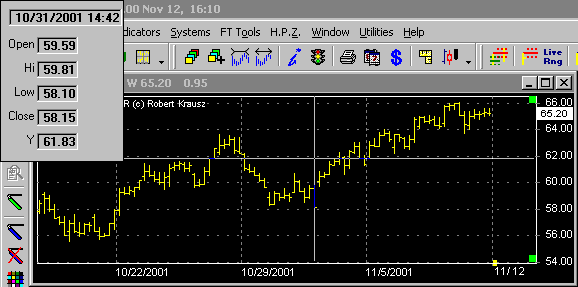
Press the Crosshair button then left click and hold on any bar. That bar's information will appear. Moving the crosshair to another bar will cause the information for that bar to be displayed.
When you release the mouse button the Crosshair and the information window will disappear.
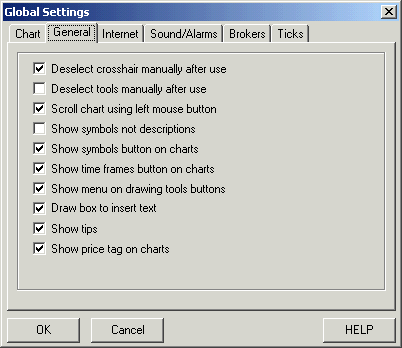
To deselect the Crosshair manually you must go to the general tab under global settings and check 'Deselect crosshair manually after use'.
To open the Global Settings window click on Utilities then Global Settings.
Since 1992