Text
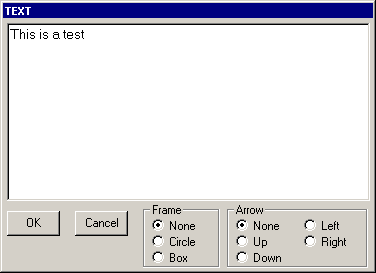
Type your text and click OK
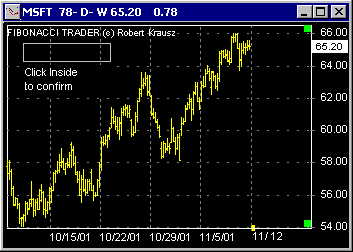
Area selected, click inside the area
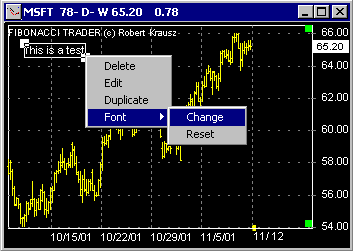
Text is now on the chart
Click on the Text button . This will open the window where you can type text to insert into a chart. Type the text you want click OK. Go to the chart and click where you want the text to appear
Right click on the text and a menu will appear allowing you to delete, edit, duplicate or change the font.
You can use the button to delete all or some selected texts.
The button  is used to change the default font on the selected chart.
Since 1992